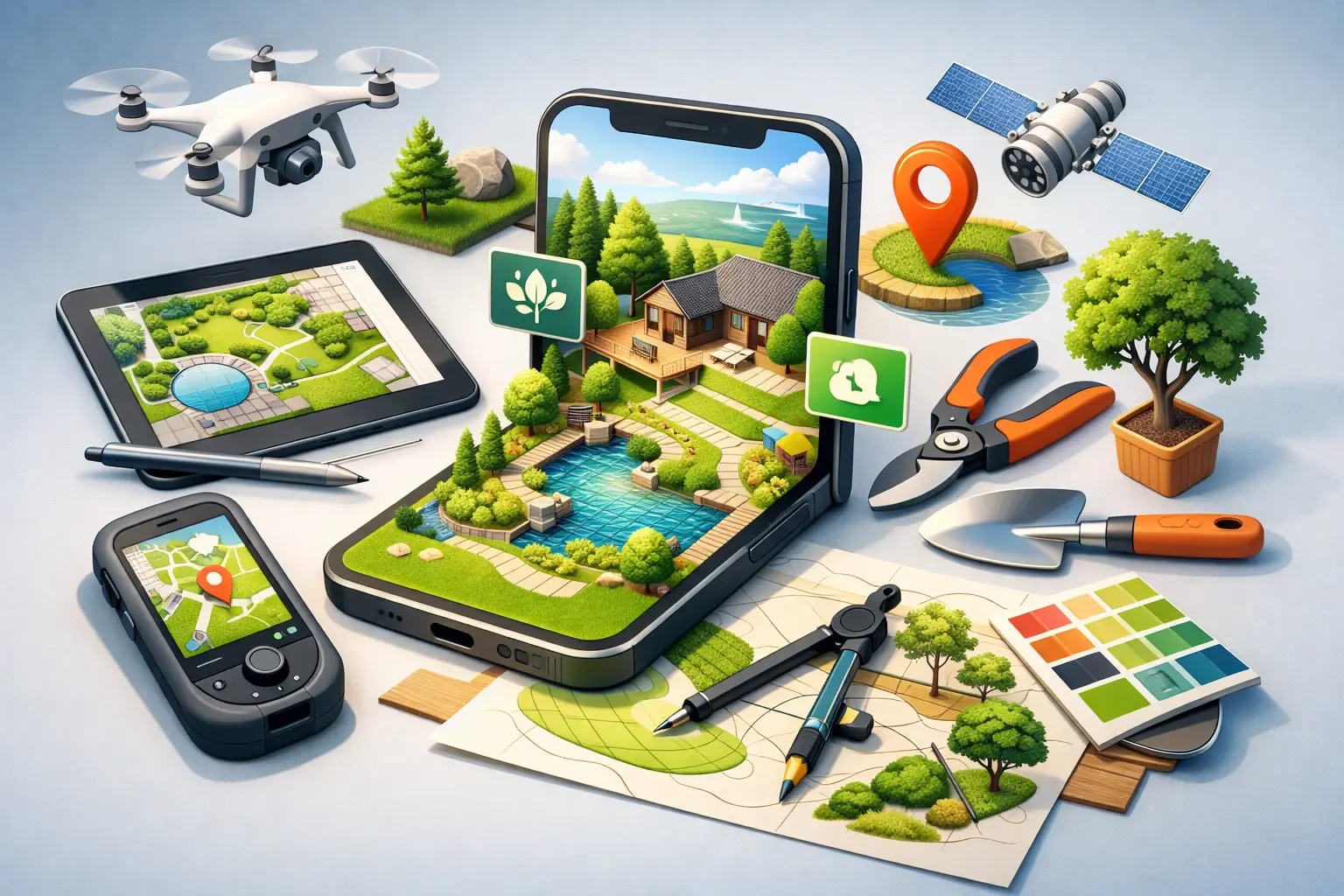
A patio that looks perfect in your head can get expensive fast once you start moving shrubs, adding beds, or realizing the walkway is two feet off. That is exactly where mobile landscape design tools earn their keep. They let you test ideas before you buy plants, commit to hardscape, or spend a weekend digging in the wrong spot.
For homeowners and DIY gardeners, the appeal is simple. You want a yard that looks good, works for real life, and does not require hiring a designer every time you have a new idea. The best mobile tools help you visualize layouts, compare options, and make decisions with fewer mistakes. But not every app solves the same problem, and that is where a lot of people get frustrated.
What mobile landscape design tools should actually do
A good landscape app is not just a sketchpad with a plant icon library. It should help you move from idea to action. That means seeing how a space could look, understanding whether a layout is practical, and getting enough guidance to avoid choices that fail once they hit real soil, sun, and maintenance demands.
At minimum, useful mobile landscape design tools should make it easy to map beds, place features, and experiment with different arrangements from your phone. That alone can save time. But the stronger apps go further by helping you think through plant fit, spacing, and function. A design that looks polished on a screen is only helpful if it can survive in an actual yard.
This is where trade-offs matter. Some tools are excellent for visualization but weak on horticultural guidance. Others are packed with plant information but feel clunky when you are trying to plan a full backyard layout. The right choice depends on whether your main problem is creativity, confidence, plant selection, or project organization.
The main types of mobile landscape design tools
Most apps in this category fall into a few groups, even if they market themselves as all-in-one platforms. Understanding the differences helps you avoid downloading something flashy that does not match your project.
Visual planners
These tools focus on layout and appearance. You upload a yard photo or start with a blank space, then test beds, trees, patios, paths, and other features. They are useful when you are trying to answer questions like where a fire pit should go or how a foundation planting might balance the front of the house.
Their strength is speed. You can try several concepts in minutes instead of second-guessing one idea for weeks. Their weakness is that visual planners sometimes make everything look equally possible, even when site conditions say otherwise.
Plant-focused apps
These are built more around selection, care, and compatibility. They can help with identifying plants, diagnosing issues, or narrowing choices based on climate and growing conditions. If your biggest challenge is figuring out what to plant rather than where to put it, this kind of tool can be more useful than a design-heavy app.
The limitation is obvious. Knowing a plant is right for your zone does not automatically create a cohesive yard plan. You still need to think about spacing, traffic flow, seasonal interest, and how the whole space works together.
Hybrid planning tools
This is where mobile tools get much more practical for homeowners. A hybrid app combines layout planning with expert-backed guidance, so you are not forced to bounce between a design app, a plant ID tool, your camera roll, and a pile of saved screenshots.
For real projects, that matters. Most people are not redesigning a yard in one clean step. They are testing ideas, checking plants, solving problems, and adjusting as they go. A mobile tool that supports that full process tends to be far more useful than one that only does one thing well.
What to look for before you commit
If you are comparing options, start with how you actually plan. Some homeowners want a quick visual mockup before they tackle one bed at a time. Others want enough structure to plan an entire backyard renovation from the phone in their pocket. The feature list only matters if it matches your decision-making style.
Look closely at ease of use first. A mobile app has to work well on a small screen. If basic tasks take too many taps, the tool becomes something you intended to use rather than something you actually use in the yard. Good mobile design should feel fast, clear, and intuitive, especially when you are standing outside measuring, photographing, and checking ideas on the fly.
Then consider how grounded the advice is. Some apps are strong on graphics but light on real landscape logic. That can be fine for inspiration, but risky for execution. If you are planning beds, choosing shrubs, or troubleshooting declining plants, expert guidance adds real value because it narrows the gap between a nice-looking concept and a workable result.
It also helps to think about whether the app supports the messy middle of a project. Homeowners rarely move in a straight line from concept to completion. You may start by visualizing a patio, then realize the planting around it needs work, then notice a disease issue in an existing bed. Mobile tools that handle design and problem-solving in the same workflow save time and reduce guesswork.
Why homeowners are shifting to mobile-first design
The old way of planning an outdoor project usually meant scribbled notes, nursery tags, browser tabs, and a rough mental picture of how it might all fit together. That process still works for small decisions, but it breaks down fast when you are coordinating layout, plants, budget, and timing.
Mobile-first planning solves a practical problem. Your yard is outside, not at your desk. When a tool lives on your phone, you can check dimensions while standing by the fence, compare planting ideas from the driveway, or snap a photo of a problem area and deal with it in the moment. That convenience is not just nice to have. It changes how quickly decisions get made.
There is also a confidence factor. A lot of homeowners know what they like but struggle to picture scale, spacing, or how separate ideas will work together. Mobile tools reduce that uncertainty. They give you a way to test before spending, which is especially valuable when plants, pavers, lighting, and outdoor features are not cheap.
Where AI changes the value of mobile landscape design tools
AI is making these apps more useful, but only when it is tied to real landscape knowledge. On its own, AI can generate ideas and speed up planning. That is helpful. But outdoor spaces are full of variables, and yards are not blank digital canvases. Soil, sun, drainage, maintenance, climate, and mature plant size all shape what should happen next.
That is why the best AI-driven tools do more than produce pretty concepts. They help translate expert logic into faster decisions. Instead of just showing a nice arrangement, they can help users identify plant issues, understand what is realistic for a specific space, and move from inspiration to action with fewer blind spots.
For a homeowner, that means less trial and error. A smart app should not replace judgment. It should improve it. Backyard Buddy fits naturally in that hybrid space by combining AI speed with decades of landscape expertise, which is exactly what many DIY users need - practical help, not just polished visuals.
The trade-offs to keep in mind
No tool will fully replace on-site judgment, and that is worth saying clearly. Slopes can read flatter in photos. Mature tree roots may complicate a plan that looked simple on screen. Local codes, drainage problems, and irrigation limits can all affect what is realistic.
There is also a difference between planning and execution. An app can give you a better layout, stronger plant direction, and more confidence, but you still need to measure carefully, prep the site properly, and install with some patience. Mobile tools reduce mistakes. They do not erase the physical reality of the job.
That said, the cost of not planning is usually higher. Buying the wrong plants, overbuilding a patio, placing a bed where maintenance becomes annoying, or having to redo a layout after one season can waste far more time and money than using a good app upfront.
How to choose the right tool for your yard
If your project is mostly visual, such as rearranging a front entry bed or testing patio ideas, prioritize photo-based design and easy drag-and-drop editing. If plant health and selection are your biggest pain points, look for tools with identification, diagnosis, and practical care guidance. If you are trying to do both, choose a platform that combines design support with expert recommendations.
It also helps to be honest about your own habits. If you want something you will use while walking the property, simpler usually wins. If you enjoy detail and want more planning depth, a more feature-rich app may be worth the learning curve. Better does not always mean bigger. It means better suited to the decisions you are trying to make.
The best mobile landscape design tools do one thing really well - they turn uncertainty into action. When an app helps you see the space clearly, choose smarter, and fix problems earlier, your yard project starts feeling manageable instead of overwhelming.
A good outdoor plan should make the next step obvious. If your phone can help you get there before the shovel hits the ground, that is a smart place to start.